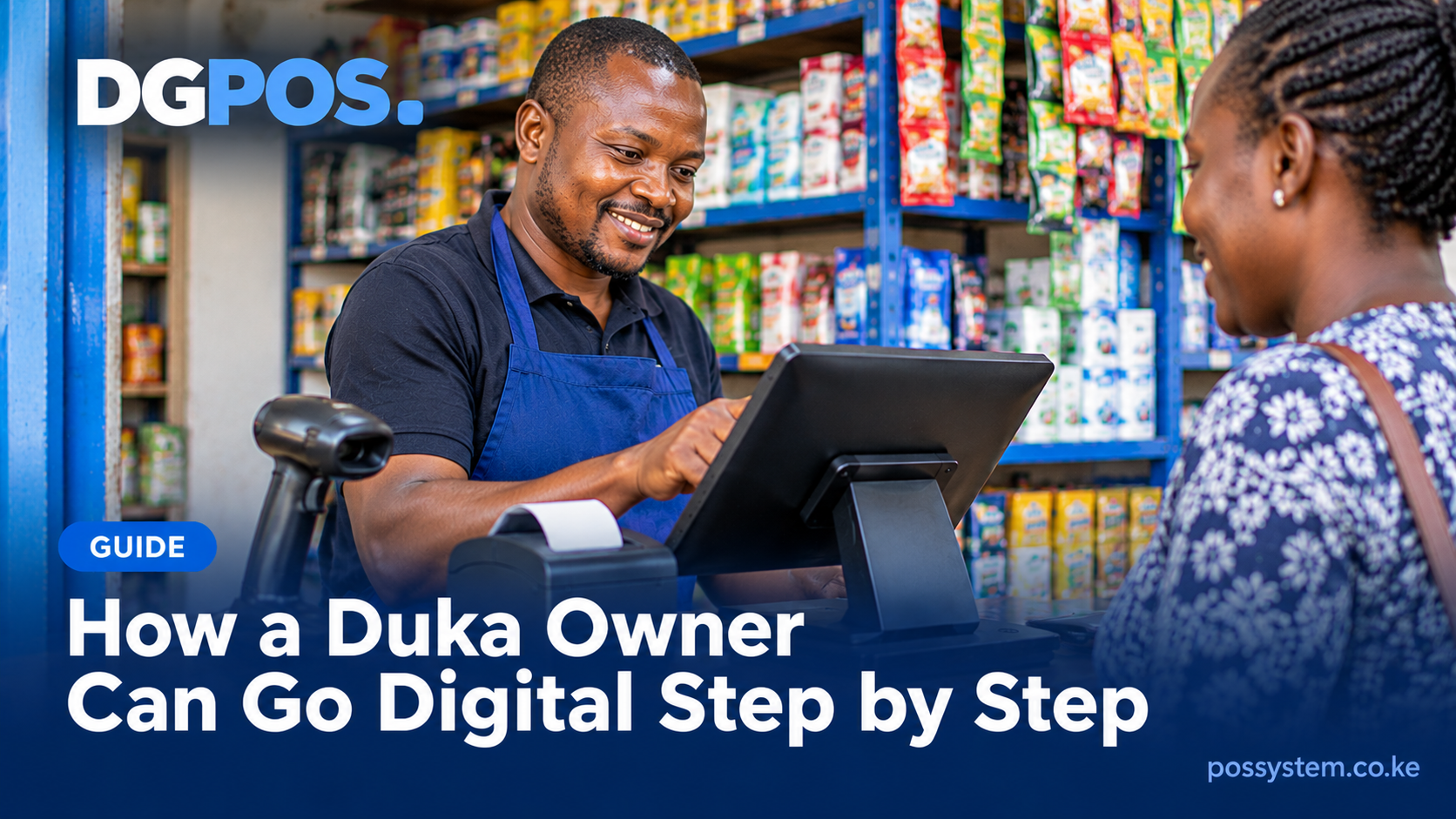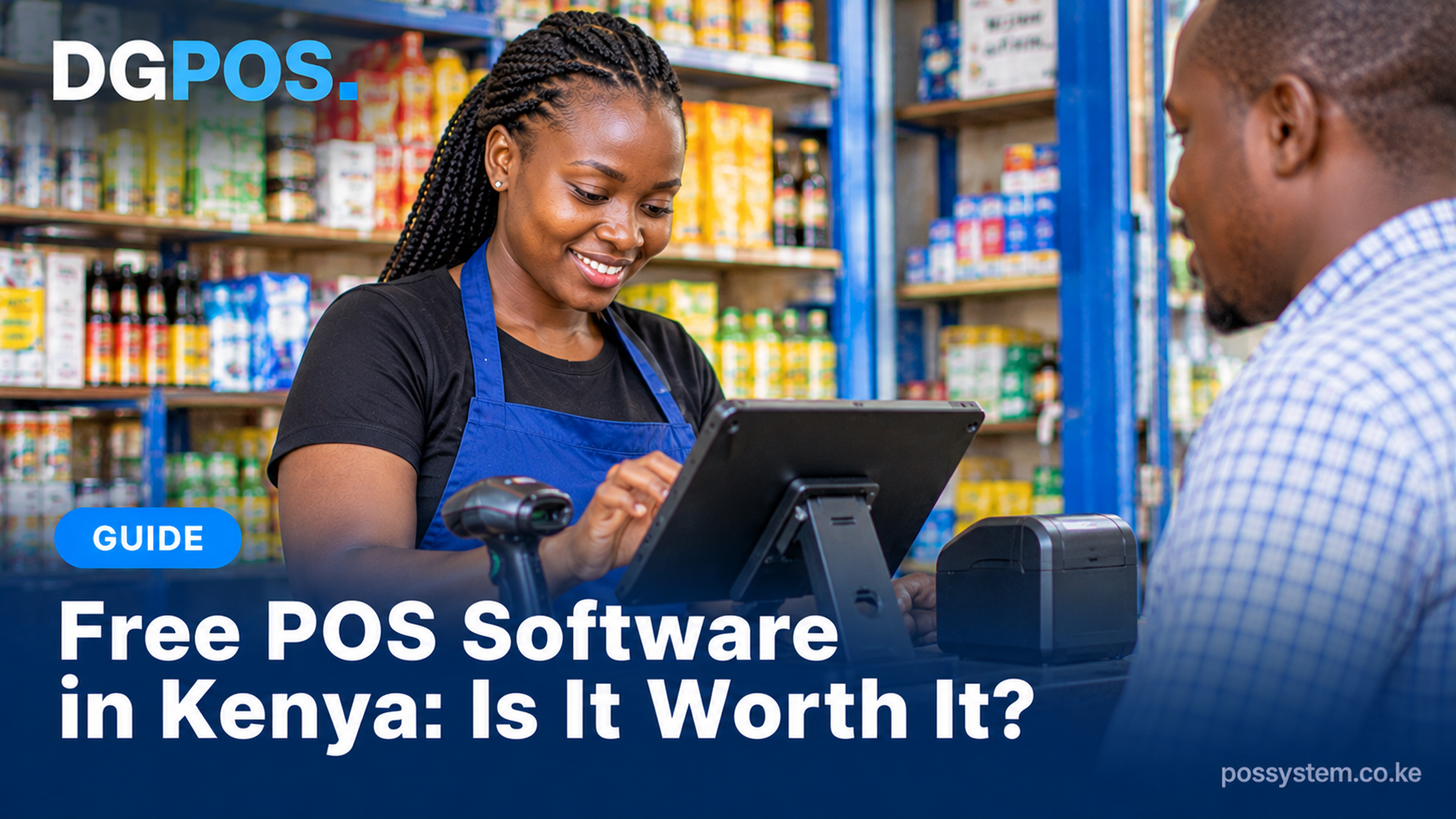
Starting and managing a business in Kenya requires careful planning, proper financial management and the right technology. Whether you operate a small retail shop, minimart, supermarket, pharmacy, restaurant, hardware store, boutique or wholesale business, keeping track of sales and inventory is essential for success. As competition increases and customers expect faster service, many business owners are turning to digital solutions to improve their daily operations. One popular option is POS software, which helps businesses record transactions, manage products, monitor stock and generate sales reports. However, not every entrepreneur is ready to invest in a paid system. Many business owners search online for free POS SYSTEM solutions because they want to reduce operating costs while improving business efficiency. This raises an important question: Is free POS software in Kenya worth using, or should businesses invest in a professional point of sale system? A free Point Of Sale solution may appear attractive, especially to entrepreneurs starting with limited capital. It can offer an opportunity to experience digital sales management without paying an initial subscription fee. However, free systems may have limitations involving features, support, security, integrations, reporting and business growth. Before choosing a free POS SYSTEM, it is important to understand what it offers, what it may not provide and whether it can meet your business requirements. This blog explores the advantages and disadvantages of free POS software in Kenya, the features to consider, the hidden costs to watch out for and how to choose the right point of sale system for your business.
1. What Is POS Software?
POS software is a digital business management solution that helps businesses process sales transactions and organise important operational activities. POS stands for Point Of Sale, which refers to the place or process where a customer pays for goods or services.
A modern Point Of Sale solution can do much more than calculate the total amount a customer needs to pay. Depending on its features, a POS SYSTEM can help business owners manage inventory, monitor daily sales, record payments, track product movement and generate useful reports.
For example, when a customer visits a minimart to purchase bread, milk, sugar and cooking oil, the cashier can select the products in the point of sale system, confirm their prices and complete the transaction. The system records the sale and may automatically update the stock quantities.
Businesses use pos software for different purposes, including:
- Recording daily sales transactions.
- Managing product information and prices.
- Tracking stock levels.
- Monitoring employee sales activities.
- Generating business reports.
- Recording different payment methods.
- Reviewing transaction history.
- Supporting business accountability.
The features available depend on the particular POS SYSTEM selected. Some solutions provide basic sales processing, while more advanced systems offer inventory management, customer management, supplier records and multiple-branch management.
2. What Is Free POS Software?
Free POS software refers to a Point Of Sale solution that businesses can use without paying a standard upfront software subscription or licence fee.
These systems are designed to attract entrepreneurs who want to digitise their business operations without committing to a paid platform immediately.
However, the word “free” does not always mean that every feature is available at no cost. Some providers offer a free basic version but charge for advanced functionality, additional users, technical support or integrations.
There are several types of free POS SYSTEM solutions available.
A. Completely Free POS Software
Some systems provide basic features without charging a recurring subscription fee. They may allow businesses to record sales, add products and view simple reports.
However, the business owner should establish whether the software is genuinely free, how it is funded and whether there are restrictions on usage.
B. Freemium POS Software
Freemium pos software provides basic features for free while charging for advanced tools.
For example, a free version may support one till or a limited number of products, while the paid version may include advanced inventory management, employee permissions and detailed reporting.
C. Open-Source POS Software
Open-source POS software allows users to access and modify the software’s source code under its licence terms.
Although the software itself may be free, businesses may need technical knowledge, hosting, installation, maintenance and ongoing support.
D. Free POS Trials
Some providers offer free trials for a limited period. During the trial, businesses can test the point of sale system before deciding whether to subscribe.
A free trial should not be confused with permanently free software.
3. Why Are Kenyan Businesses Searching for Free POS Software?
Many small businesses operate with limited budgets. Entrepreneurs must pay rent, purchase stock, pay employees, manage utilities and cover other operating expenses.
As a result, investing in a paid POS SYSTEM may not always be the first priority.
Here are some reasons why businesses search for free POS software in Kenya.
A. Reducing Business Expenses
A free Point Of Sale solution can help a business avoid an immediate software subscription expense.
This can be attractive to entrepreneurs who are just starting and want to minimise their initial operating costs.
B. Starting Digital Business Management
Some businesses still depend on notebooks, calculators and handwritten sales records.
Free pos software can provide an opportunity to start recording transactions digitally.
C. Testing POS Features
A business owner who has never used a point of sale system may want to understand how digital sales management works before paying for a full solution.
D. Managing a Small Number of Transactions
A small business with limited products and relatively few daily transactions may initially find a basic free POS SYSTEM sufficient.
E. Avoiding Long-Term Commitments
Some entrepreneurs prefer testing different solutions before committing to a paid subscription or purchasing additional equipment.
Although these reasons are understandable, choosing a POS SYSTEM should involve evaluating its long-term usefulness rather than focusing only on the initial price.
4. Advantages of Using Free POS Software in Kenya
Free POS software can offer several benefits, particularly for small businesses that want to begin digitising their operations.
A. Lower Initial Costs
The most obvious advantage is the potential to reduce initial software expenses.
A business owner can start using a basic Point Of Sale solution without immediately committing to a monthly subscription.
This may be useful for startups and small shops operating with limited capital.
B. Easier Introduction to Digital Sales Management
Free pos software can help business owners move away from entirely manual sales recording.
Instead of calculating every purchase using a calculator and writing transactions in a notebook, employees can record sales through a digital system.
C. Basic Sales Tracking
Some free POS SYSTEM solutions provide simple sales records that allow business owners to review transactions.
This can help entrepreneurs understand how much their businesses sell during a particular period.
D. Opportunity to Test Software
A free version or trial allows business owners to explore the interface, understand the workflow and determine whether a particular point of sale system is suitable.
E. Improved Transaction Organisation
A digital POS SYSTEM can help organise product information and sales transactions.
This can reduce dependence on scattered handwritten records, depending on how the system is configured and used.
5. Disadvantages of Free POS Software
Although free POS software may be useful, it is important to understand its limitations before making it the foundation of your business operations.
A. Limited Features
Some free systems provide only basic transaction processing.
You may find that advanced features such as detailed inventory management, supplier management, employee permissions and comprehensive reporting are available only in paid versions.
This can become a problem as the business grows.
B. Limited Technical Support
Technical support is important when a business depends on a POS SYSTEM to process customer transactions.
Some free providers may offer limited assistance, slower responses or support only through online communities.
If the system stops working during busy business hours, the business may experience delays and inconvenience.
C. Restricted Number of Users
Some free pos software packages limit the number of employees, devices or tills that can use the system.
This may be manageable for a small shop but unsuitable for a supermarket or business with several cashiers.
D. Limited Reporting
Business owners need accurate information to understand their performance.
A basic free point of sale system may provide only simple sales summaries without detailed reports on profit, stock movement, employee activity and product performance.
E. Security and Data Concerns
Business data is valuable. Sales records, product information, customer details and financial information should be protected.
Before adopting free POS software, establish how the provider stores information, protects access, handles backups and manages data security.
F. Limited Integration Options
A business may need its POS SYSTEM to work with printers, barcode scanners, payment services, accounting tools or other business applications.
Some free solutions may not support the integrations required by the business.
G. Restrictions as the Business Expands
A free Point Of Sale solution that works for one small shop may not be suitable when the business opens additional branches or increases transaction volumes.
The owner may eventually need to migrate to another system, transfer records and train employees again.
6. Hidden Costs of Free POS Software
One of the biggest mistakes entrepreneurs make is assuming that free POS software has no associated costs.
Although the basic software may be free, operating it can still require additional expenditure.
Consider these possible costs before choosing a free POS SYSTEM.
| Possible cost | Why it matters |
|---|---|
| Hardware | You may need computers, tablets, printers or barcode scanners. |
| Internet | Cloud-based systems may require a reliable internet connection. |
| Hosting | Some solutions require paid hosting or server services. |
| Technical support | Professional assistance may cost extra. |
| Advanced features | Reporting, inventory tools and integrations may require payment. |
| Data backup | Additional storage or backup services may involve costs. |
| Training | Employees may need assistance learning the system. |
| Migration | Moving information to another point of sale system may require time and technical support. |
A business owner should calculate the total cost of using a free solution rather than considering only the software subscription price.
Sometimes a paid POS SYSTEM can provide better overall value because it includes features and support that would otherwise require separate payments.
7. Is Free POS Software Suitable for Small Shops in Kenya?
Free POS software can be suitable for some small businesses, depending on their daily operations and expectations.
However, not every small business has the same requirements.
Small Dukas
A small duka selling a limited number of products may need basic sales recording and simple stock management.
A free Point Of Sale solution could be a starting point if it provides reliable functionality and meets the business’s requirements.
Minimarts
Minimarts usually manage different product categories and process multiple transactions throughout the day.
They may need better inventory tracking, barcode support and detailed sales reports.
A basic free POS SYSTEM may become restrictive as operations increase.
Supermarkets
Supermarkets handle large product catalogues, multiple cashiers and high transaction volumes.
They often require advanced inventory management, user permissions, reporting and reliable technical support.
A professional point of sale system may be more appropriate than a limited free version.
Pharmacies
Pharmacies may require specialised stock management, batch tracking, expiry-date monitoring and other industry-specific functionality.
Business owners should confirm that any pos software they choose supports their operational and regulatory requirements.
Restaurants
Restaurants may need table management, kitchen order processing, menu management and sales reporting.
A basic free POS SYSTEM may not offer all the tools needed for efficient restaurant operations.
The best choice depends on the actual needs of the business, not simply its size.
8. Important Features to Look for in a POS SYSTEM
Whether you choose free or paid POS software, certain features are important for effective business management.
A. Sales Management
Your Point Of Sale solution should make it easy to record purchases, calculate totals and maintain transaction history.
B. Inventory Management
A good POS SYSTEM should help monitor available stock and record product movement.
This is particularly important for businesses that sell many different products.
C. Sales Reporting
The system should provide useful reports that help the owner understand daily, weekly and monthly sales performance.
D. User Management
If several employees operate the till, the point of sale system should provide suitable user permissions and accountability features.
E. Payment Recording
The system should support accurate recording of the payment methods used by customers, according to its available functionality.
F. Data Backup and Security
Find out how your information is stored, backed up and protected against unauthorised access or loss.
G. Ease of Use
Employees should be able to learn the pos software without unnecessary complications.
H. Customer Support
Reliable assistance can be important when technical problems affect daily sales activities.
I. Scalability
Choose a POS SYSTEM that can accommodate your business as it expands.
J. eTIMS Requirements
Businesses in Kenya should also understand their electronic invoicing obligations.
If you need eTIMS integration, confirm whether the specific point of sale system supports an appropriate KRA-approved integration or invoicing workflow. Do not assume that every digital till automatically generates compliant eTIMS invoices.
9. Free POS Software vs Paid POS Software: Which Is Better?
The choice between free and paid POS software depends on the business’s requirements, budget and growth plans.
| Feature | Free POS software | Paid POS software |
|---|---|---|
| Initial software cost | Often free | Usually requires payment |
| Basic sales recording | May be available | Commonly available |
| Inventory management | May be limited | Depends on the package |
| Advanced reporting | May require an upgrade | Often included in selected plans |
| Technical support | May be limited | May offer dedicated support |
| Integrations | May be restricted | Depends on the provider |
| Multiple branches | May be limited | May be supported |
| Scalability | Depends on the system | Depends on the package and provider |
A free POS SYSTEM may be a reasonable starting point for a business with simple needs.
However, businesses that require advanced inventory management, detailed reporting, multiple users and dependable assistance should evaluate professional pos software options.
The important consideration is value. A paid point of sale system is worth considering when its features save time, reduce operational mistakes and support better business management.
10. Questions to Ask Before Choosing Free POS Software in Kenya
Before installing any free POS SYSTEM, ask the provider the following questions:
- Is the software permanently free or only free during a trial period?
- Are there limits on the number of products I can add?
- How many users or cashiers can access the system?
- Does it support barcode scanning?
- Can I monitor stock levels?
- Does it generate detailed sales reports?
- Where is my business data stored?
- Are automatic backups available?
- What happens if the software stops working?
- Is technical support available?
- Can the system support multiple branches?
- Does it support the integrations my business requires?
- Can I export my business records if I change providers?
- Does it support the appropriate eTIMS invoicing requirements for my business?
These questions can help you avoid selecting a point of sale system that looks attractive initially but creates difficulties later.
11. Why Businesses Should Consider Professional POS Software
Running a business involves many activities beyond processing customer payments. Business owners need to monitor stock, manage employees, understand expenses and review sales performance.
A professional POS SYSTEM can provide tools that support these activities.
For example, a shop owner can use a Point Of Sale solution to review the products selling fastest, identify slow-moving stock and understand daily sales trends.
A minimart can use pos software to organise different product categories, while a supermarket may require additional tools for managing several cashiers and large inventories.
Professional POS software can also be valuable when a business needs ongoing technical assistance, more advanced functionality and room to expand.
However, paying for a system does not automatically guarantee quality. Business owners should compare available features, support arrangements, reliability and total costs before making a decision.
12. DGPOS: A POS Solution for Businesses Looking to Improve Their Operations
Digee Technologies Limited Company understands the importance of technology in modern business management.
DGPOS is a business management solution designed for enterprises looking to organise their retail operations and improve how they manage everyday activities.
Instead of choosing a POS SYSTEM based only on whether it is free, business owners should consider whether the solution can meet their operational needs.
When evaluating DGPOS, businesses should discuss the available features with Digee Technologies Limited Company and establish how the system can support their specific operations.
Important areas to consider when selecting a point of sale system include:
- Daily sales management.
- Product and inventory organisation.
- Transaction recording.
- Business reporting.
- Employee access and accountability.
- Support and system maintenance.
- Available integrations.
- Requirements for future business expansion.
The right pos software should make daily business activities easier to manage and provide useful information for decision-making.
For entrepreneurs who want to move beyond manual sales recording, exploring a professional POS SYSTEM can be an important step towards improving business efficiency.
13. When Should You Move from Free POS Software to a Paid System?
A free POS SYSTEM may work during the early stages of a business. However, as operations expand, its limitations may become more noticeable.
Consider moving to a more advanced point of sale system when:
- You are processing more transactions than the free system can comfortably handle.
- You need to manage several cashiers.
- Your product catalogue is becoming larger.
- You require more detailed sales reports.
- You need advanced stock management.
- You are opening additional branches.
- You require dependable technical support.
- You need integrations that your current system does not provide.
- Your business needs stronger reporting and accountability.
Changing systems at the right time can help prevent operational difficulties.
However, before migrating, ensure that your existing sales and inventory records can be exported and transferred appropriately.
14. Final Verdict: Is Free POS Software in Kenya Worth It?
Free POS software can be worth considering for businesses that have simple requirements and want to begin digitising their sales operations without paying an initial software subscription.
It can help small entrepreneurs move away from manual transaction recording, organise basic sales information and become familiar with digital business management.
However, free does not always mean suitable.
Some solutions have limitations involving inventory management, reporting, technical support, data security, integrations and business expansion. These restrictions may eventually affect productivity and create additional costs.
For a growing business, investing in a reliable POS SYSTEM may provide better long-term value than depending on a free solution that cannot support its requirements.
Before choosing a Point Of Sale solution, evaluate your business needs, compare available features and consider the total cost of ownership.
For businesses looking for a more organised approach to retail management, Digee Technologies Limited Company offers DGPOS as a solution worth exploring.
Ultimately, the best point of sale system is one that supports your daily operations, helps you manage business information and grows with your enterprise.
Frequently Asked Questions About Free POS Software in Kenya
1. Is free POS software available in Kenya?
Yes. Businesses can find free, open-source and freemium POS software options. However, their features, restrictions, availability and support arrangements differ.
2. Is free POS software good for a small shop?
It can be suitable for a small shop with simple requirements. However, the owner should check whether the POS SYSTEM supports the required sales recording, stock management, reporting and data protection features.
3. What is the difference between free and paid POS software?
Free pos software may offer basic functionality with certain restrictions, while paid solutions may provide additional features, support and integrations depending on the package.
4. Can free POS software manage inventory?
Some free point of sale system solutions include basic inventory management. Others restrict stock management features to paid versions.
5. Does a free POS SYSTEM support M-Pesa?
This depends on the provider and available integrations. Always confirm whether the particular POS SYSTEM supports the M-Pesa payment workflow your business requires.
6. Can I use free POS software without the internet?
Some systems support offline transactions, while others require an internet connection. Check the provider’s offline functionality before choosing your Point Of Sale solution.
7. Is free POS software safe for my business?
It depends on the provider’s security practices, data storage arrangements, access controls and backup procedures. Review these carefully before entering important business information.
8. Does every POS SYSTEM support eTIMS?
No. A POS SYSTEM does not automatically support KRA-approved electronic invoicing. Businesses should confirm the appropriate integration or invoicing workflow for their specific system.
9. When should I upgrade from free POS software?
Consider upgrading when you need more users, advanced inventory management, detailed reporting, better support, additional integrations or multiple-branch functionality.
10. What should I consider when choosing the best POS software in Kenya?
Consider ease of use, sales management, inventory tracking, reporting, security, technical support, integrations, scalability and total cost. The best pos software should meet your business requirements and support long-term growth.