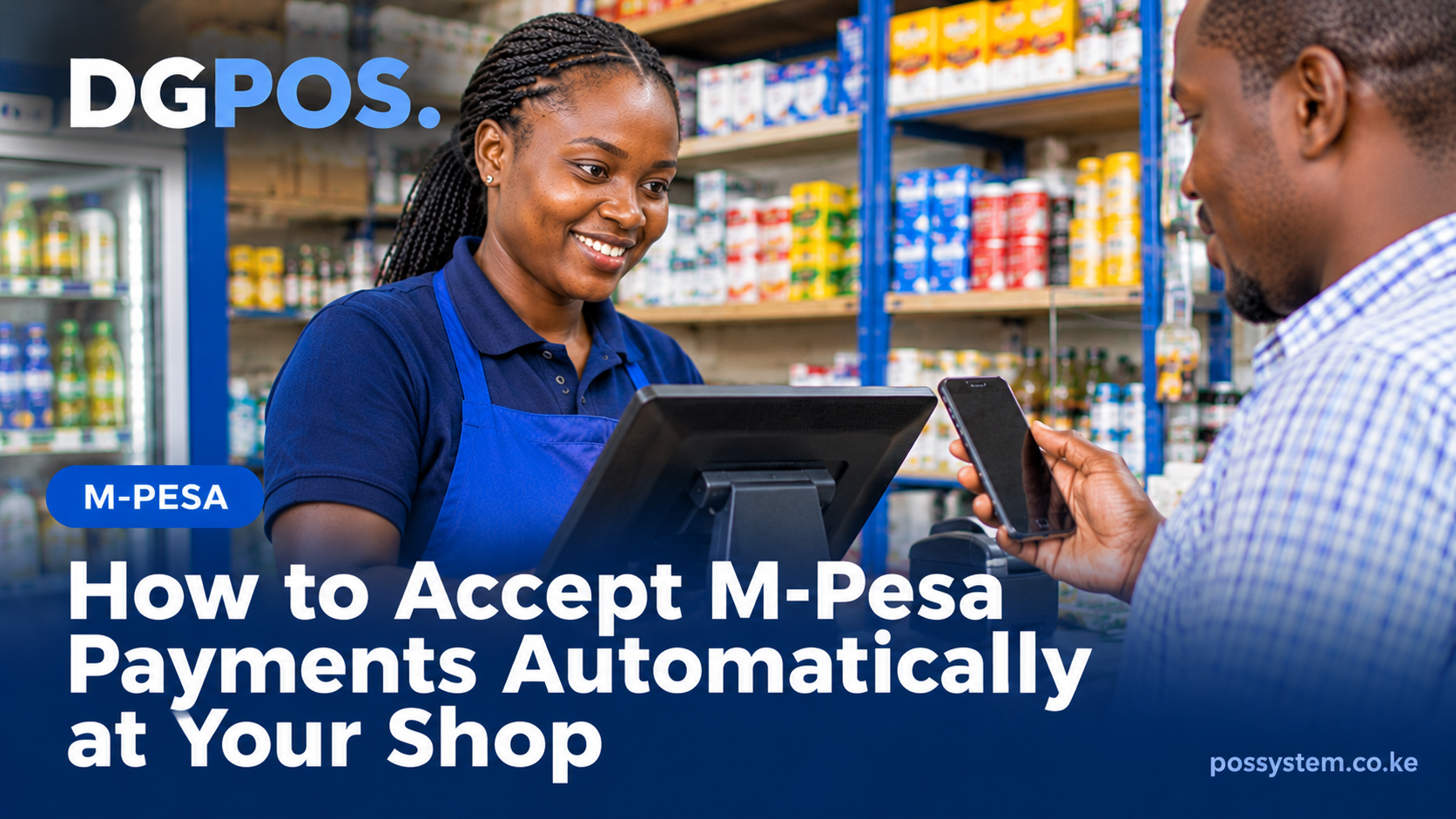
M-Pesa has become an important payment method for businesses in Kenya. From small retail shops and minimarts to supermarkets, pharmacies, restaurants, hardware stores and wholesale businesses, many customers prefer paying for products and services using their mobile phones.
However, receiving M-Pesa payments is only one part of the process. Businesses also need an organised way to confirm payments, match transactions to customer purchases and maintain accurate sales records.
In some shops, employees still rely on customers to show payment messages before releasing products. Cashiers may manually check transaction messages, write down confirmation codes or compare payments against sales records. Although this approach can work for a small number of transactions, it becomes difficult to manage when a business receives many payments throughout the day.
Automating M-Pesa payments can make this process more organised. With an appropriate payment integration and a compatible POS SYSTEM, a shop can initiate payment requests, receive transaction responses and connect payment information with its sales records.
A well-configured Point Of Sale solution can also help reduce manual payment verification, minimise recording errors and make it easier to review daily collections.
This guide explains how to accept M-Pesa payments automatically at your shop, the available integration options, the equipment and software you may need, and the important questions to consider before implementing an automated payment process in Kenya.
1. What Does It Mean to Accept M-Pesa Payments Automatically?
Accepting M-Pesa payments automatically means using a connected payment solution to process and confirm customer payments without relying entirely on manual checking.
Instead of asking every customer to show an M-Pesa confirmation message, the business can use an integrated payment process that communicates with the relevant payment service.
For example, a customer buying groceries at a minimart may be asked to enter their M-Pesa phone number or initiate a payment using a till or paybill number. Depending on the integration, the customer may receive a payment prompt on their phone. After completing the transaction, the payment response can be received by the connected business system.
The business can then use the available transaction information to match the payment with the customer’s purchase.
An automated payment process may involve:
- Initiating an M-Pesa payment request.
- Sending a payment prompt to the customer’s phone.
- Allowing the customer to enter their M-Pesa PIN.
- Receiving a transaction response from the payment service.
- Matching the payment to the relevant sale.
- Updating the payment status in the business application.
- Maintaining a transaction record for reconciliation.
When connected to suitable pos software, this process can help organise payment collection and sales recording.
However, automation depends on the payment integration, configuration and provider capabilities. Simply having an M-Pesa till number or paybill does not automatically connect payments to your shop’s point of sale system.
2. Why Should Your Shop Automate M-Pesa Payments?
Manually confirming M-Pesa payments can consume valuable time, especially when several customers are waiting to pay.
Automating the process can improve the way employees handle transactions and help business owners maintain more organised payment records.
A. Faster Payment Confirmation
Cashiers do not have to depend entirely on customers showing confirmation messages. A connected payment integration can send transaction responses to the business application.
This can help employees establish whether a payment has been successfully completed before finalising the sale.
B. Reduced Manual Errors
Manually copying transaction codes, amounts and phone numbers can lead to mistakes.
An automated process can capture available payment details electronically, reducing the need for repeated manual entry.
C. Easier Sales Reconciliation
When payment information is linked to sales records, it becomes easier to compare completed sales with M-Pesa collections.
A suitable POS SYSTEM can help businesses organise transactions according to payment method, date and other available reporting categories.
D. Better Customer Experience
Customers can complete payments using familiar mobile payment processes without unnecessary delays caused by repeated manual verification.
E. Improved Employee Accountability
Electronic transaction records can help business owners review how payments were handled and identify transactions that require investigation.
F. More Organised Business Records
A connected Point Of Sale solution can help keep sales and payment information together, making it easier to review business activity.
Automation does not eliminate the need for reconciliation, but it can make the process more structured.
3. What Do You Need to Accept M-Pesa Payments Automatically?
Before automating M-Pesa payments, your business needs the appropriate payment arrangements, software and technical integration.
The exact requirements depend on the method you choose.
1. A Registered Business Payment Account
Your business needs an appropriate M-Pesa merchant payment arrangement, such as a Till Number or Paybill, depending on the nature of your operations.
A Till Number is commonly used by businesses receiving customer payments directly, while a Paybill can be useful for collecting payments through a business number and, where applicable, an account reference.
Choose the arrangement that suits your business and confirm the applicable registration requirements with Safaricom.
2. An Appropriate Payment Integration
To receive payment information automatically, your business needs a payment solution that can communicate with the relevant M-Pesa service.
This may involve an integration using Safaricom’s Daraja platform or another authorised payment integration provider.
3. Compatible POS Software
A POS SYSTEM can help connect payment collection with the sales process.
Depending on its available capabilities, the software may allow employees to initiate payments, receive payment responses and associate transactions with customer purchases.
Before purchasing pos software, confirm whether it supports the specific M-Pesa integration you require.
4. Internet Connectivity
Most integrated payment processes require connectivity to communicate with the payment service and the business application.
Your business should have a reliable internet connection and a clear procedure for handling temporary interruptions.
5. Trained Employees
Cashiers should understand how to initiate payment requests, identify successful transactions and handle pending or failed payments.
Training helps prevent employees from releasing products based on unverified payment claims.
4. Understand the Different Ways to Receive M-Pesa Payments
There are several ways a Kenyan business can receive M-Pesa payments. The most appropriate method depends on the number of transactions, customer experience and level of automation required.
A. M-Pesa Till Number
A Till Number allows customers to pay a business through the Buy Goods option on M-Pesa.
It is commonly used by retail shops, restaurants, supermarkets and other businesses that receive customer payments directly.
A Till Number can support a straightforward payment collection process. However, receiving money through a Till Number does not automatically mean that the transaction is recorded in your POS SYSTEM.
To automate sales recording, the business needs a suitable payment integration that can receive and process the relevant transaction information.
B. M-Pesa Paybill
A Paybill is another payment collection option that allows customers to pay a business using a business number.
Depending on the arrangement, customers may also enter an account reference to identify the payment purpose.
This can be useful for businesses collecting payments for invoices, customer accounts, subscriptions or orders.
For example, a wholesale shop may use a customer account reference to help identify incoming payments.
If the business wants to connect Paybill payments to its point of sale system, it should confirm whether the payment integration supports the required transaction notifications and matching process.
C. M-Pesa STK Push
STK Push is a payment request process that prompts a customer to complete an M-Pesa transaction on their phone.
A business application can initiate a payment request using an integrated service. The customer receives a prompt and enters their M-Pesa PIN to authorise the transaction.
This can be convenient for shops because the payment request can be linked to a specific purchase amount.
For example, a cashier records a customer’s purchase of KSh 2,500. The connected system initiates an STK Push request for that amount. The customer completes the payment, and the payment service sends a response that the integration can process.
When properly connected to pos software, the response can help update the corresponding transaction’s payment status.
The customer must still authorise the payment. STK Push does not mean money is deducted automatically without the customer’s approval.
D. Payment Confirmation Through an Integration
A business can also use payment notifications or transaction query services supported by its payment arrangement to confirm the status of transactions.
The exact options depend on the integration and the merchant account configuration.
A business should not rely only on a customer’s screenshot or SMS message. It should use the appropriate payment confirmation process and verify that the transaction has actually succeeded.
5. How Does Automatic M-Pesa Payment Integration Work?
An automated M-Pesa payment process connects the customer, payment service and business application.
The following example shows how it may work in a retail shop using an integrated POS SYSTEM.
<AsyncImage query=”Kenyan retail shop cashier at point of sale terminal customer paying with smartphone M-Pesa mobile money realistic photography” aspectRatio=”16:9″ width=”100%”/>
Step 1: The Cashier Records the Sale
The cashier scans the products or enters the items purchased into the Point Of Sale application.
The system calculates the total amount due.
For example:
- Bread: KSh 70
- Milk: KSh 80
- Sugar: KSh 180
- Cooking oil: KSh 250
Total: KSh 580
Step 2: The Customer Selects M-Pesa
The cashier selects M-Pesa as the payment method.
The available payment options depend on the configuration of the pos software.
Step 3: The Payment Request Is Initiated
If the integration supports STK Push, the cashier enters or confirms the customer’s M-Pesa phone number and initiates the payment request.
The payment request is sent through the connected payment service.
Step 4: The Customer Authorises the Payment
The customer receives a payment prompt on their phone.
They review the amount and follow the instructions to enter their M-Pesa PIN.
The customer should always confirm that the displayed amount is correct before authorising the transaction.
Step 5: The Payment Response Is Received
After the payment process, the payment service sends a response through the configured integration.
The business application can use the response to identify whether the transaction succeeded, failed or remains pending.
Step 6: The Sale Is Updated
If the integration confirms successful payment, the POS SYSTEM may update the sale as paid, depending on the software’s functionality.
The business can then complete the transaction and issue the appropriate receipt or invoice.
Step 7: The Transaction Is Recorded
The payment information is associated with the relevant sales record.
This makes it easier to review the transaction later and include it in daily payment reconciliation.
The exact steps may differ depending on the payment provider and the capabilities of the connected application.