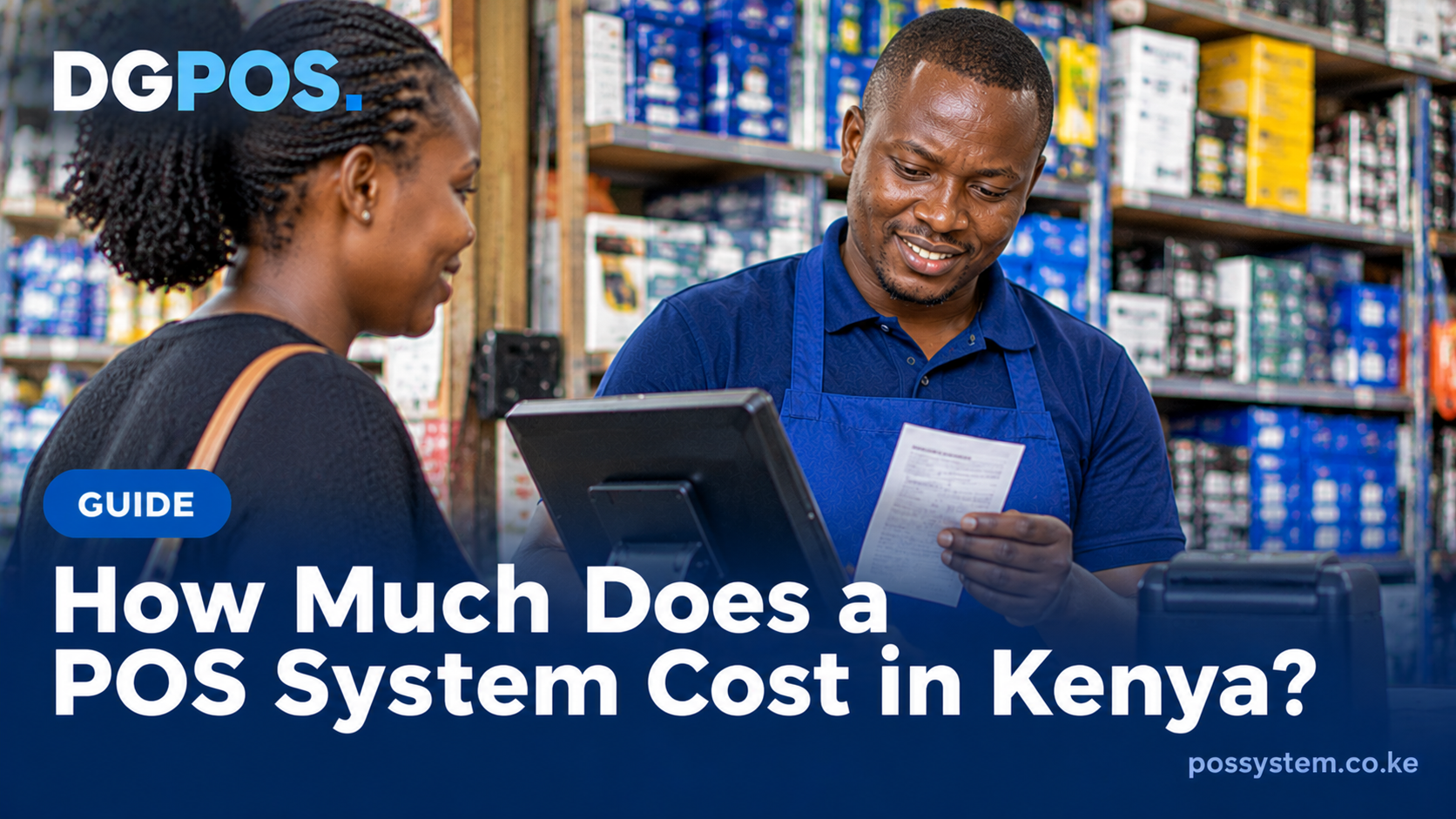
If you own a shop, supermarket, minimart, pharmacy, restaurant, boutique, or hardware store in Kenya, you may be wondering how much it costs to install a modern POS system. As businesses continue adopting digital technology, investing in a reliable POS SYSTEM has become an important step towards improving sales management, tracking inventory, recording payments, and monitoring business performance. However, the cost of a Point Of Sale solution depends on several factors, including the type of business, number of users, available features, hardware requirements, and software subscription plans. Some businesses can start with affordable POS software installed on an existing computer or tablet, while others may require complete POS terminals, barcode scanners, receipt printers, and cash drawers. At Digee Technologies Limited Company, we understand that every business has different needs and budgets. This guide explains the cost of a point of sale system in Kenya, the factors affecting pricing, and what to consider before choosing the right solution for your business.
1. How Much Does a POS System Cost in Kenya?
The cost of a POS SYSTEM in Kenya varies depending on whether you choose a monthly software subscription, a one-time software licence, or a complete hardware and software package.
For a small retail business, cloud-based POS software commonly costs approximately KSh 1,500 to KSh 5,000 per month, depending on the provider and features included. More advanced solutions designed for supermarkets, restaurants, pharmacies, and multi-branch businesses can cost more.
A business purchasing hardware separately may spend approximately KSh 15,000 to KSh 60,000 or more on a basic collection of equipment, depending on what it already owns and the quality of the devices selected. Complete systems with dedicated terminals and multiple accessories can cost considerably more.
Here is an indicative price guide for businesses in Kenya:
| POS Component | Estimated Cost in Kenya |
|---|---|
| Basic POS software subscription | KSh 1,500–3,500/month |
| Advanced POS software subscription | KSh 3,500–10,000+/month |
| Android tablet | KSh 15,000–30,000 |
| Barcode scanner | KSh 3,000–8,000 |
| Thermal receipt printer | KSh 3,500–15,000 |
| Cash drawer | KSh 5,000–12,000 |
| Dedicated POS terminal | KSh 35,000–120,000 |
These are indicative market estimates, not fixed supplier quotations. Prices depend on specifications, brands, software packages, and additional services.
When comparing the price of a Point Of Sale solution, remember that the cheapest option is not necessarily the best. You should consider the features, reliability, support, and long-term value offered by the system.
2. What Determines the Cost of POS Software in Kenya?
Different businesses require different features. A small shop selling a limited number of products may not need the same system as a supermarket managing thousands of products and multiple cashiers.
Several factors influence the price of POS software.
Number of Users and Cashiers
Some providers charge according to the number of employees or cashier accounts using the system. A shop with one cashier may pay less than a supermarket with ten employees working at different checkout counters.
Before purchasing a POS SYSTEM, determine how many employees need access and whether the provider charges extra for additional users.
Number of Business Branches
A business operating from one location may require basic sales and inventory management. However, a business with multiple branches may need centralised stock management, branch transfers, and consolidated sales reports.
These additional capabilities can increase the cost of a point of sale system.
Available Features
Basic systems may only record sales and generate receipts. Advanced POS software may include:
- Inventory and stock management.
- Sales and profit reports.
- Employee management.
- Customer management.
- Barcode scanning.
- M-Pesa payment integration.
- Supplier management.
- Purchase order management.
- Multi-branch reporting.
- KRA eTIMS integration.
The more advanced the features, the more important it becomes to compare the total package rather than looking at the monthly subscription alone.
Cloud-Based or Offline Functionality
Some systems operate through cloud platforms, while others offer offline capabilities that allow businesses to continue recording transactions when internet connectivity is unavailable.
If your business operates in an area with unreliable internet, consider a POS SYSTEM that supports offline transactions and synchronisation when connectivity returns.
3. How Much Does POS Hardware Cost?
Apart from software, businesses may need physical equipment to operate their checkout systems.
The hardware requirements depend on how your shop operates and the number of transactions handled daily.
Here are some common POS equipment options.
POS Terminal or Computer
<text> </text>
<AsyncImage query=”modern retail point of sale touchscreen terminal computer on shop counter” aspectRatio=”16:9″ width=”100%”/>
A POS terminal is the main device used to access the Point Of Sale application and process customer purchases.
Some businesses use dedicated touchscreen terminals, while others use existing desktop computers, laptops, or tablets.
Barcode Scanner
<AsyncImage query=”handheld barcode scanner scanning retail product barcode at checkout” aspectRatio=”16:9″ width=”100%”/>
A barcode scanner helps cashiers identify products quickly by scanning their barcodes. This reduces manual product selection and improves checkout efficiency.
Receipt Printer
<AsyncImage query=”thermal receipt printer retail shop checkout counter” aspectRatio=”16:9″ width=”100%”/>
A thermal receipt printer produces printed receipts after customers complete their purchases. It is useful for supermarkets, minimarts, pharmacies, and other retail businesses.
Cash Drawer
<AsyncImage query=”black retail electronic cash drawer open on checkout counter” aspectRatio=”16:9″ width=”100%”/>
A cash drawer provides organised storage for physical cash received during transactions. It can also connect to compatible receipt printers or POS terminals.
You do not necessarily need to purchase every piece of equipment immediately. Some businesses can begin using existing devices and add accessories as operations expand.
A flexible POS SYSTEM allows you to select equipment according to your business requirements and budget.
4. How Much Does a POS System Cost for Different Businesses?
The cost of a point of sale system also depends on the type of business you operate.
Different industries have different operational requirements, which influence the software features and hardware needed.
Small Retail Shops and Dukas
A small shop may only require basic sales recording, stock tracking, receipt printing, and daily sales reports.
A basic monthly software subscription may cost approximately KSh 1,500 to KSh 3,500, while additional hardware can increase the initial investment.
A simple POS solution can help small shop owners replace manual sales records and improve stock management.
Minimarts and Supermarkets
<AsyncImage query=”Kenyan minimart supermarket cashier scanning groceries at modern POS checkout counter” aspectRatio=”16:9″ width=”100%”/>
Minimarts and supermarkets often manage hundreds or thousands of products. They may require barcode scanning, stock alerts, multiple cashiers, supplier records, and detailed sales reports.
A suitable POS SYSTEM may cost approximately KSh 3,000 to KSh 10,000 or more monthly, depending on the number of branches, users, and advanced features.
Hardware costs also increase when a business operates multiple checkout counters.
Pharmacies
<AsyncImage query=”modern pharmacy cashier computer POS system medicine shelves Kenya” aspectRatio=”16:9″ width=”100%”/>
Pharmacies require specialised inventory management features, including batch tracking, expiry date monitoring, and accurate product records.
A pharmacy should choose POS software that supports its specific stock management requirements rather than selecting a system based on price alone.
Restaurants and Cafes
<AsyncImage query=”modern restaurant cashier POS touchscreen terminal counter kitchen printer” aspectRatio=”16:9″ width=”100%”/>
Restaurants may need table management, order processing, kitchen order tickets, waiter accounts, and payment management.
A restaurant Point Of Sale solution may cost more than basic retail software because of these additional requirements.
Boutiques and Clothing Shops
<AsyncImage query=”clothing boutique retail cashier POS computer checkout clothing racks” aspectRatio=”16:9″ width=”100%”/>
Clothing shops often manage different sizes, colours, designs, and product variations.
A good point of sale system should make it easy to manage these variations, monitor stock, and identify popular products.
5. Monthly Subscription vs One-Time POS Payment
When choosing a POS SYSTEM, you will generally encounter two common payment models: monthly subscriptions and one-time software licences.
Understanding the difference can help you choose an option that fits your budget.
Monthly POS Software Subscription
With a monthly subscription, you pay a recurring amount to access the software.
Benefits include:
- Lower initial investment.
- Access to software updates, depending on the package.
- Easier budgeting through recurring payments.
- Flexible plans offered by some providers.
- Potential access to technical support.
For example, a business paying KSh 2,500 monthly spends KSh 30,000 over twelve months, excluding additional charges.
This option is suitable for businesses that prefer spreading their technology costs over time.
One-Time POS Software Payment
Some providers offer software licences that require an upfront payment.
Benefits may include:
- A single initial licence payment.
- Potentially lower recurring software expenses.
- Greater control over the installation environment.
However, you should confirm whether future updates, technical support, maintenance, and additional users require separate payments.
A one-time licence does not necessarily mean that the entire POS solution will operate without future costs.
Which Option Is Better?
The best option depends on your business size, available budget, and preferred payment arrangement.
A small shop may prefer a monthly POS software subscription because it requires less money upfront. A larger business may consider a customised solution depending on its operational needs.
Always compare the total cost over at least one or two years before making your decision.
6. Are There Hidden Costs When Buying a POS System?
One mistake businesses make when purchasing a Point Of Sale solution is focusing only on the advertised software price.
Some additional costs may not be included in the initial quotation.
Before choosing a provider, ask about the following:
Installation and Setup: Some providers charge for installing the software, configuring products, and preparing the system for use.
Staff Training: Employees may require training to understand how to record sales, manage stock, process refunds, and generate reports.
Technical Support: Confirm whether support is included in your subscription or charged separately.
Software Updates: Ask whether regular updates and new features are included in the package.
Additional Users: Some providers charge extra when you add more cashiers or employees.
Hardware Maintenance: Printers, scanners, computers, and other devices may require repairs or replacement.
Payment Integration: Confirm whether M-Pesa and card payment integrations involve setup charges, monthly fees, or transaction charges.
KRA eTIMS Integration: Ask whether the POS SYSTEM supports the required eTIMS functionality and whether any integration or service charges apply. KRA’s own eTIMS solutions and third-party POS integrations are not necessarily priced in the same way.
Understanding these expenses helps you calculate the actual cost of adopting POS software and avoid unexpected payments later.
7. Can a Small Business Afford a POS System in Kenya?
Yes. Modern technology has made it possible for small businesses to adopt affordable POS solutions without purchasing expensive equipment immediately.
You do not always need a dedicated POS terminal to get started.
A small shop may begin with:
- An existing laptop, desktop, or Android tablet.
- A suitable POS software application.
- A receipt printer, if required.
- A barcode scanner, if necessary.
- A reliable internet connection where cloud access is required.
This approach allows businesses to manage expenses while introducing digital sales and inventory management.
For example, a small minimart can begin with an affordable software subscription and an existing laptop. As the business grows, the owner can add a barcode scanner, receipt printer, and additional cashier stations.
A flexible point of sale system makes it easier to expand without replacing the entire business management setup.
The important thing is to choose a solution that supports your current operations and can accommodate future growth.
8. What Features Should You Look for Before Paying for POS Software?
Price should not be the only consideration when selecting a POS SYSTEM.
A cheap system that cannot manage your daily operations may eventually cost your business more through errors, wasted time, and poor stock control.
Here are important features to consider:
Sales Management
Your POS should record transactions accurately, calculate totals, apply discounts, and generate receipts.
Inventory Management
The system should help you monitor available stock, record incoming products, track stock movement, and identify items that need restocking.
Sales and Business Reports
A reliable Point Of Sale solution should provide reports showing daily sales, weekly performance, popular products, and other useful business information.
M-Pesa Payment Support
Since M-Pesa is widely used by Kenyan businesses, consider a system that supports the payment workflow your shop requires.
Confirm whether the integration is automatic and whether additional charges apply.
KRA eTIMS Support
Businesses should consider their applicable tax invoicing requirements when selecting POS software.
Ask the provider how its solution handles eTIMS and whether the integration meets the relevant requirements.
Employee Management
A good point of sale system should support employee accounts, access permissions, and transaction monitoring.
Customer Management
Customer management features can help businesses organise customer records, review purchasing activity, and support loyalty programmes.
Choosing the right combination of features ensures that your investment provides real value.
9. How to Choose the Right POS System for Your Budget
Before purchasing a POS SYSTEM, take time to evaluate your business requirements.
Use these steps to make a better decision:
- Identify Your Business Needs: Determine whether you need basic sales recording, advanced inventory management, restaurant features, or multi-branch support.
- Set Your Budget: Decide how much you can comfortably spend on software, hardware, installation, and ongoing support.
- Compare Different Providers: Request quotations from different companies and compare their features and pricing.
- Check Available Integrations: Confirm whether the system supports M-Pesa, eTIMS, barcode scanners, and other tools your business needs.
- Request a Demonstration: Ask the provider to demonstrate how the POS software works before making a payment.
- Understand Support Arrangements: Confirm how you will receive assistance when the system experiences technical problems.
- Consider Future Growth: Select a Point Of Sale solution that can support additional products, employees, and branches as your business expands.
Making these checks can help you avoid choosing a system that becomes unsuitable after a few months.
10. Why Investing in a POS System Can Save Your Business Money
Although purchasing a POS SYSTEM requires an initial or recurring investment, the right solution can help reduce several operational costs.
Here is how:
Reduced Manual Errors: Automated calculations reduce mistakes associated with handwritten records and manual calculations.
Better Stock Control: Inventory monitoring helps prevent unnecessary purchases, stock shortages, and avoidable losses.
Faster Checkout: Barcode scanning and organised product records can improve checkout efficiency.
Improved Accountability: Employee accounts and transaction records make it easier to monitor business activities.
Better Financial Decisions: Sales and profit reports provide information that helps owners understand business performance.
Time Savings: Automated reporting reduces the time spent preparing daily and weekly business records.
When properly implemented, POS software becomes more than a checkout tool. It becomes an important part of your business management process.
11. Why Choose DGPOS from Digee Technologies Limited Company?
At Digee Technologies Limited Company, we recognise that Kenyan businesses need practical technology solutions that make daily operations easier.
DGPOS is designed to support businesses looking for a digital way to manage their sales and business activities.
Whether you operate a minimart, supermarket, pharmacy, restaurant, boutique, or hardware shop, adopting a modern POS SYSTEM can help you improve how you manage everyday transactions.
With DGPOS, businesses can benefit from important POS management capabilities, including:
- Sales transaction management.
- Inventory and stock monitoring.
- Business sales reporting.
- Product management.
- Organised business records.
- Improved daily operational management.
The right point of sale system should make your work easier rather than introduce unnecessary complications.
Digee Technologies Limited Company focuses on helping businesses embrace technology and improve their operational efficiency through DGPOS.
For specific package prices, hardware requirements, integrations, and available features, contact Digee Technologies Limited Company to discuss your business requirements and obtain an appropriate quotation.
Conclusion
So, how much does a POS SYSTEM cost in Kenya? The answer depends on the software package, hardware, business size, number of users, and features required.
A small business can start with a monthly POS software subscription of approximately KSh 1,500 to KSh 3,500, while more advanced solutions may cost KSh 3,500 to KSh 10,000 or more per month. Hardware expenses vary depending on whether you use existing devices or purchase dedicated POS equipment.
Before making a decision, compare the available features, installation costs, technical support, payment integrations, and long-term expenses.
Remember that the best Point Of Sale solution is not necessarily the most expensive one. It is the system that meets your business requirements, fits your budget, and supports your growth.
Digee Technologies Limited Company is ready to help businesses explore smarter business management through DGPOS.
Whether you are starting a small shop or managing an established retail business, consider investing in a reliable point of sale system that helps you manage sales, monitor inventory, and make informed business decisions.
Choose DGPOS and take a step towards smarter, more organised business operations.