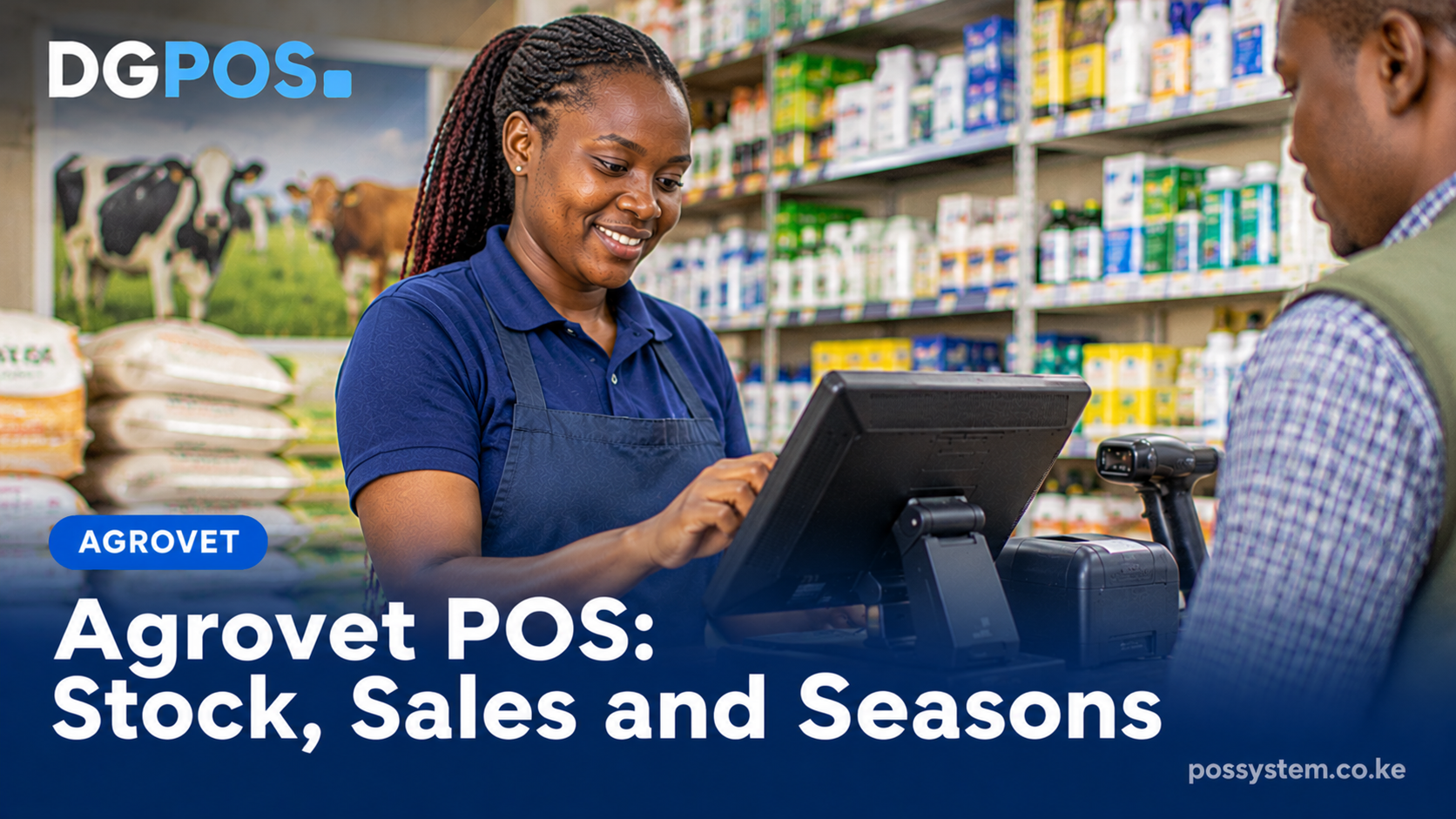
Running an agrovet business requires more than selling animal feeds, seeds, fertilisers and agricultural chemicals. You also need to manage stock carefully, monitor sales, understand seasonal demand and ensure that essential products are available when farmers need them.
Unlike ordinary retail shops, agrovets experience changing demand throughout the agricultural calendar. Products that sell quickly during the planting season may move slowly during dry periods. Veterinary medicines, animal feeds and farm chemicals also require proper stock monitoring to prevent losses and shortages.
Managing all these activities manually can become difficult, especially when your agrovet has hundreds or thousands of products.
This is where a reliable POS SYSTEM becomes useful. With suitable pos software, agrovet owners can organise sales, monitor inventory and make better purchasing decisions.
In this guide, Digee Technologies Limited Company explores how an agrovet can use a modern Point Of Sale solution to manage stock, sales and seasonal demand more efficiently.
1. Why Agrovet Businesses Need a POS System
An agrovet handles different categories of products, each with its own purchasing patterns, storage requirements and selling conditions.
For example, your shop may stock:
- Fertilisers and soil conditioners.
- Certified seeds.
- Animal feeds.
- Veterinary medicines.
- Pesticides and herbicides.
- Farm tools and equipment.
- Poultry supplements.
- Dairy farming products.
- Irrigation supplies.
- Animal health products.
Keeping track of every product using handwritten records can be time-consuming.
A suitable point of sale system helps organise sales and inventory information in one place.
Depending on the available features, an agrovet POS can help you:
- Record daily sales.
- Monitor product quantities.
- Track stock movement.
- Review fast-moving products.
- Identify slow-moving inventory.
- Monitor product prices.
- Review sales performance.
- Generate business reports.
With organised records, agrovet owners can spend less time searching through notebooks and more time serving farmers.
2. How to Manage Agrovet Stock Effectively
Stock management is one of the biggest challenges in an agrovet business.
Some products sell throughout the year, while others experience significant demand during particular farming seasons.
Without proper inventory records, you may purchase too much of one product while running out of another.
A reliable POS SYSTEM can help you organise inventory and monitor stock movement.
A. Categorise Products Properly
Start by grouping products into clear categories.
For example:
| Category | Example Products |
|---|---|
| Seeds | Maize, beans, vegetables |
| Fertilisers | DAP, CAN, NPK |
| Crop Protection | Herbicides, fungicides, insecticides |
| Animal Feeds | Dairy meal, chick mash, layers mash |
| Veterinary | Dewormers, vaccines, treatments |
| Farm Equipment | Sprayers, watering cans, tools |
| Irrigation | Pipes, fittings, sprinklers |
Product categories make it easier to search for items, analyse sales and review inventory.
Using pos software to organise these categories can also reduce confusion when employees are recording transactions.
B. Record Every Stock Purchase
Whenever you receive products from a supplier, ensure that the delivery is recorded.
Important information may include:
- Product name.
- Product code or barcode.
- Quantity received.
- Purchase price.
- Supplier details.
- Delivery date.
- Batch or lot number, where applicable.
- Expiry date, where applicable.
Accurate purchasing records help you understand how much stock enters your business.
They also make it easier to compare supplier prices and investigate stock discrepancies.
C. Monitor Stock Movement
Every sale, return, damaged product and authorised stock adjustment should be recorded correctly.
For example, if you receive 100 bags of fertiliser and sell 35, your expected remaining stock is 65 bags, assuming there are no other stock movements.
A point of sale system can update inventory records when sales are completed, provided the products and stock settings are configured correctly.
This makes it easier to identify products that need replenishment.
3. Understand Seasonal Demand in the Agrovet Business
Agrovet businesses are closely connected to agricultural seasons.
Demand changes depending on rainfall, planting periods, harvesting activities, livestock conditions and local farming practices.
An agrovet owner who understands these patterns can plan stock purchases more effectively.
A. Planting Season
During planting periods, farmers may increase purchases of:
- Certified seeds.
- Basal fertilisers.
- Seed treatment products.
- Planting equipment.
- Soil preparation supplies.
An agrovet should review previous sales records to estimate how much stock may be needed.
A POS SYSTEM can help you compare sales from previous planting periods and identify products that experienced increased demand.
B. Growing Season
Once crops have been planted, farmers may need products for crop protection and plant development.
Common products may include:
- Top-dressing fertilisers.
- Approved herbicides.
- Fungicides.
- Insecticides.
- Foliar feeds.
- Spraying equipment.
Demand will depend on the crops grown, weather conditions and local pest or disease pressures.
Stock planning should therefore consider the needs of farmers in your area rather than relying on assumptions.
C. Harvesting Season
During harvesting periods, farmers may purchase different products depending on their farming activities.
Some may need harvesting tools, storage materials and post-harvest supplies.
Livestock farmers may also increase purchases of animal feeds and health products.
Reviewing sales trends through pos software can help you identify which products are becoming more popular during this period.
D. Dry Season
Dry periods may affect demand for certain agricultural products.
Farmers may require:
- Irrigation equipment.
- Water storage supplies.
- Animal feeds.
- Livestock supplements.
- Drought-management products.
An agrovet should avoid purchasing excessive quantities of seasonal products without considering expected demand.
A good Point Of Sale solution can help you review past sales and identify changing customer purchasing patterns.
4. Use Sales Reports to Identify Fast-Moving Products
Not every product in your agrovet sells at the same rate.
Some products may sell daily, while others remain on the shelves for weeks or months.
Knowing which products move quickly helps you plan purchasing and avoid unnecessary stock shortages.
For example, your sales records may show that:
- Dairy meal sells consistently.
- Maize seeds experience higher demand before planting.
- Certain fertilisers sell quickly during planting periods.
- Poultry feeds have regular demand.
- Some specialised farm tools sell occasionally.
A suitable POS solution can help you generate product sales reports and identify these patterns.
Review the following information regularly:
- Products with the highest sales quantities.
- Products generating the most revenue.
- Products with low sales.
- Products that have not sold for a long time.
- Products with frequently changing demand.
This information helps you decide what to reorder, what to promote and what to purchase in smaller quantities.
5. Manage Expiry Dates and Batch Numbers
Expiry management is particularly important for agrovets selling veterinary medicines, pesticides, seeds and other products with expiry or shelf-life considerations.
Selling expired or improperly stored products can create serious risks for customers, animals, crops and your business.
Make expiry monitoring part of your daily stock management process.
Practical Expiry Management Tips
- Record expiry dates when receiving applicable products.
- Capture batch or lot numbers where required.
- Separate products according to their expiry dates.
- Conduct regular physical inspections.
- Identify products approaching expiry.
- Follow manufacturer storage instructions.
- Remove expired products from sale.
- Maintain proper records of damaged or expired stock.
Where supported, a point of sale system with batch and expiry tracking can make it easier to monitor products requiring attention.
Use the First Expiry, First Out (FEFO) approach where appropriate. This means prioritising products with the earliest expiry dates for sale, subject to their condition and storage requirements.
Remember that a digital record does not replace physical inspections and proper storage practices.
6. Manage Suppliers and Reordering
Agrovet owners often work with multiple suppliers.
One supplier may provide seeds, another may supply fertilisers, while a different supplier handles animal feeds or veterinary products.
Poor purchasing records can make it difficult to understand supplier performance and control stock costs.
Use your business records to monitor:
- Supplier names and contacts.
- Products purchased.
- Purchase quantities.
- Purchase prices.
- Delivery dates.
- Outstanding supplier balances.
- Supplier payment records.
A suitable POS SYSTEM can help organise purchasing information if supplier and purchase management features are available.
Set Reorder Levels
A reorder level is the stock quantity at which you should consider purchasing more of a product.
For example:
| Product | Current Stock | Reorder Level | Action |
|---|---|---|---|
| Dairy meal | 18 bags | 20 bags | Reorder |
| Maize seeds | 45 packets | 15 packets | Monitor |
| Fertiliser | 8 bags | 25 bags | Reorder |
| Poultry feeds | 30 bags | 20 bags | Monitor |
These figures are examples. Your actual reorder levels should depend on sales speed, supplier delivery time, available cash and seasonal demand.
With accurate inventory records, your pos software can help you identify when important products are approaching their reorder levels, where the relevant alerts or reports are supported.
7. Track Sales and Profitability by Product Category
High sales do not always mean high profits.
Some agrovet products may generate large sales volumes but have relatively small profit margins. Others may sell less frequently but contribute more profit per unit.
You should understand both sales revenue and product costs.
For example:
| Product | Selling Price | Purchase Cost | Gross Profit |
|---|---|---|---|
| Product A | KSh 1,500 | KSh 1,300 | KSh 200 |
| Product B | KSh 2,000 | KSh 1,600 | KSh 400 |
| Product C | KSh 900 | KSh 750 | KSh 150 |
These are illustrative figures, not actual market prices.
A Point Of Sale system can help record selling prices and transaction quantities. Where purchase costs are maintained accurately, the system may also support gross profit reporting.
Review performance by category to understand which parts of your agrovet business contribute most to revenue and gross profit.
Remember that gross profit is not the same as net profit. Rent, salaries, transport, utilities and other operating expenses must also be considered.
8. Control Credit Sales in Your Agrovet
Some agrovet businesses allow regular customers to purchase products on credit and pay later.
This may help maintain customer relationships, but poorly managed credit sales can create cash-flow problems.
For example, farmers may request fertilisers or animal feeds and promise to pay after selling their produce.
Without accurate records, you may forget who owes money or how much is outstanding.
Create clear credit policies covering:
- Who qualifies for credit.
- Maximum credit limits.
- Payment deadlines.
- Approved credit transactions.
- Outstanding balances.
- Follow-up procedures.
A POS SYSTEM with customer account management can help track credit transactions where this feature is available.
Before issuing more credit, review the customer’s outstanding balance and payment history.
Avoid treating every customer request as an automatic credit approval.
9. Conduct Regular Agrovet Stock Takes
Even when you use digital inventory records, physical stock counting remains important.
Stock discrepancies can occur because of:
- Unrecorded sales.
- Incorrect product entries.
- Damaged products.
- Supplier delivery errors.
- Unauthorised stock movement.
- Data entry mistakes.
A regular stock take helps you compare actual inventory with the quantities recorded in your point of sale system.
A Simple Stock-Taking Process
- Select the products to be counted.
- Organise products by category.
- Count the physical quantities.
- Compare physical stock with system records.
- Investigate differences.
- Record authorised adjustments.
- Review recurring discrepancies.
You can conduct full stock counts periodically and smaller cycle counts for important products more frequently.
Pay special attention to high-value products, fast-moving items and products with expiry dates.
10. Use Barcodes to Improve Agrovet Sales
Agrovets may stock many products with similar names, packaging and sizes.
Searching for each item manually can slow down checkout operations.
Barcodes can make product identification faster and reduce errors.
For example, you may have different packaging sizes of the same animal feed or different seed varieties from one manufacturer.
A barcode-enabled POS setup can help cashiers identify the correct product during checkout.
Benefits may include:
- Faster product scanning.
- More accurate product selection.
- Easier sales recording.
- Better stock deduction.
- Reduced manual product searches.
However, not every agricultural product comes with a suitable barcode. You may need to create internal product codes or labels for selected items.
11. Prepare Your Agrovet for Different Farming Seasons
Successful agrovet management requires planning ahead.
Do not wait until farmers start demanding a product before checking whether you have enough stock.
Use previous sales records, supplier information and local agricultural calendars to prepare for upcoming seasons.
Before the Planting Season
- Review previous seed sales.
- Check fertiliser quantities.
- Contact suppliers early.
- Confirm product availability.
- Prepare your cash-flow budget.
- Review product prices.
During the Growing Season
- Monitor crop protection product sales.
- Review local farming needs.
- Check stock levels regularly.
- Monitor expiry dates.
- Reorder fast-moving products.
Before the Dry Season
- Review irrigation product demand.
- Check animal feed stock.
- Identify products suitable for local livestock needs.
- Avoid overstocking slow-moving seasonal products.
After the Harvesting Season
- Review sales performance.
- Identify slow-moving inventory.
- Reconcile supplier accounts.
- Conduct stock counts.
- Prepare for the next farming cycle.
A point of sales system can help you compare sales data across different periods and use past performance when planning future purchases.
12. Common Agrovet Stock Management Mistakes to Avoid
Even experienced agrovet owners can make inventory mistakes that reduce profitability.
Here are some common problems to watch out for:
Buying Too Much Seasonal Stock
Purchasing large quantities without considering demand can tie up business capital.
Ignoring Expiry Dates
Products with expiry dates need proper monitoring and storage.
Failing to Record Every Sale
Unrecorded transactions make inventory reports inaccurate.
Mixing Similar Products
Different seed varieties, chemical strengths and packaging sizes should have clear product descriptions.
Ignoring Slow-Moving Stock
Products that remain unsold for long periods can affect cash flow.
Poor Supplier Planning
Waiting until stock is completely finished can lead to shortages, especially when suppliers have long delivery times.
Not Conducting Stock Takes
Digital records should be checked against physical stock regularly.
Using reliable pos software can help reduce some of these problems by improving the organisation of business information.
13. How DGPOS Can Help Your Agrovet Business
Digee Technologies Limited Company provides DGPOS, a business management solution designed to support Kenyan businesses.
An agrovet needs to manage more than checkout transactions. It must also organise product information, monitor stock and understand sales performance.
A suitable POS SYSTEM can support these activities by keeping important business records organised.
Depending on the features available in your DGPOS setup, your agrovet may benefit from:
- Recording daily sales.
- Organising products into categories.
- Managing product prices.
- Tracking inventory movement.
- Reviewing sales reports.
- Monitoring cashier transactions.
- Organising payment records.
- Supporting stock management decisions.
For an agrovet, organised product records can make it easier to distinguish between similar items, monitor sales and plan stock purchases.
If you need specialised features such as batch tracking, expiry alerts, supplier management, purchase orders or seasonal sales analysis, contact Digee Technologies to confirm which features are supported and how they can be configured.
The right Point Of Sale solution should match the actual needs of your business rather than forcing you to change your entire operation unnecessarily.
14. Frequently Asked Questions About Agrovet POS Systems
What is an agrovet POS system?
An agrovet POS system is a business management solution used to record sales and organise inventory information in an agricultural and veterinary supply shop.
Depending on its features, it may also support purchasing, customer records and business reporting.
Can a POS system manage seeds and fertilisers?
Yes. A suitable point of sale system can organise seeds, fertilisers and other products using product names, categories, codes and quantities.
Advanced inventory requirements should be confirmed with the software provider.
Can agrovet POS software track medicine expiry dates?
Some systems support batch and expiry-date management. Confirm whether the selected pos software includes these features before relying on it for veterinary medicines and other expiry-sensitive products.
How does a POS system help during planting season?
It can help you review previous sales, monitor current inventory and identify products that may need replenishment before demand increases.
Can I monitor agrovet sales remotely?
Some modern POS SYSTEM solutions support remote access to business reports. Ask your provider whether mobile or web-based reporting is available.
Is a POS system suitable for a small agrovet?
Yes. A small agrovet can benefit from organised sales and stock records. Choose a solution that matches your current business size and can support your future growth.
Conclusion
Managing an agrovet requires careful planning because stock, sales and customer demand change throughout the agricultural calendar.
From seeds and fertilisers to animal feeds and veterinary products, every category needs proper monitoring to reduce shortages, avoid unnecessary purchases and protect business capital.
A reliable POS solution can help you organise inventory, record sales and review business performance.
With suitable pos software, you can make better purchasing decisions, monitor seasonal demand and maintain more accurate business records.
DGPOS from Digee Technologies Limited Company provides a business management solution for Kenyan businesses looking to improve their daily operations.
If you operate an agrovet, explore how a suitable POS SYSTEM, Point Of Sale solution and point of sales system can help you manage stock, sales and farming seasons more effectively.